

Troubleshooting
Time-policy and compliance issues
When time policies and compliance rules do not match reality, the system warns or blocks exactly as configured, which can surprise people. This page helps you read the warning correctly and adjust the policy rather than ignore it.
Choose the closest symptom. Change only one verified cause at a time, then test the same person, date and scope.
Role and access: HR configures policy; group managers handle only assigned records. Use Open time policies to inspect configuration, Open compliance to process the queue, and Open labour rules to check limits. Depending on access, Compliance shows Violation rules, Violations, and Statistics.
View Time policies and Compliance2 images
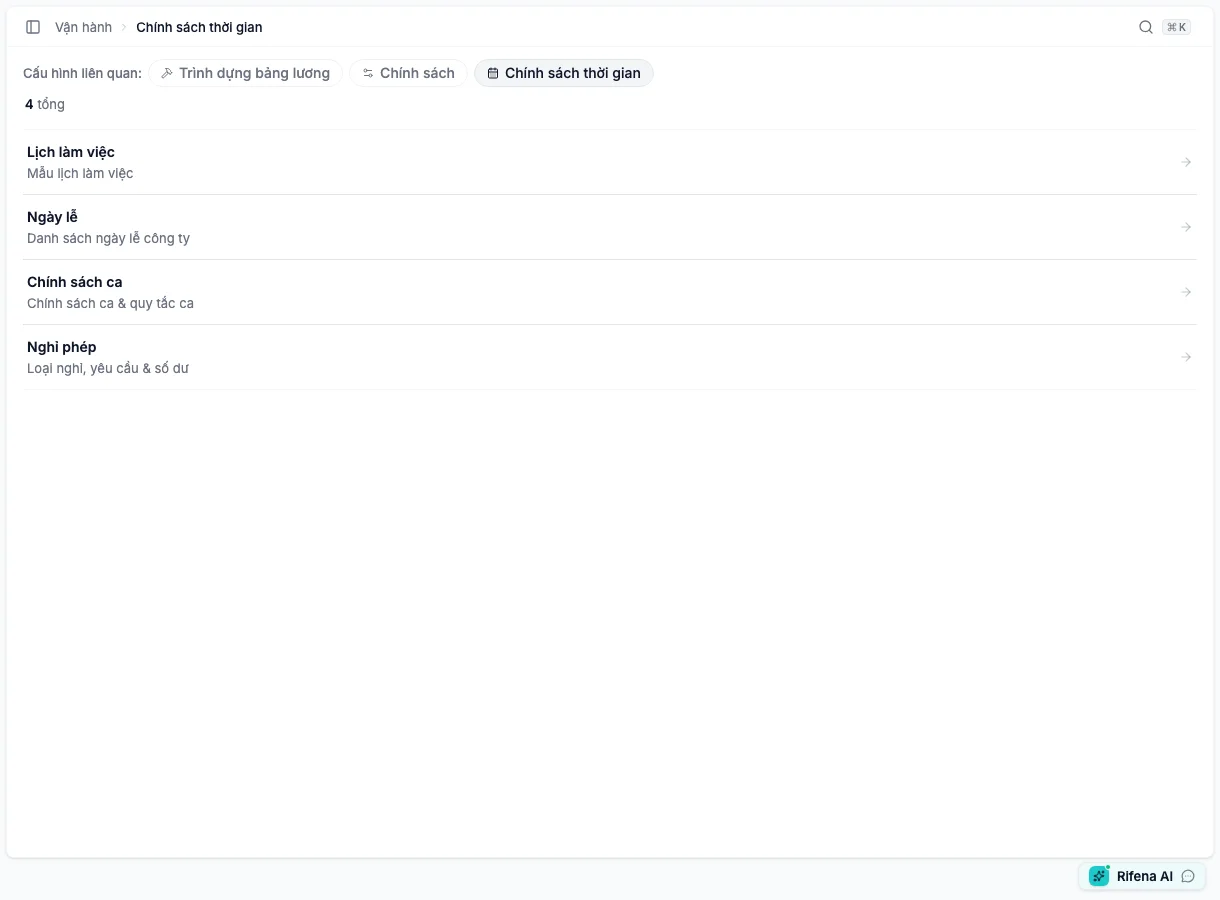
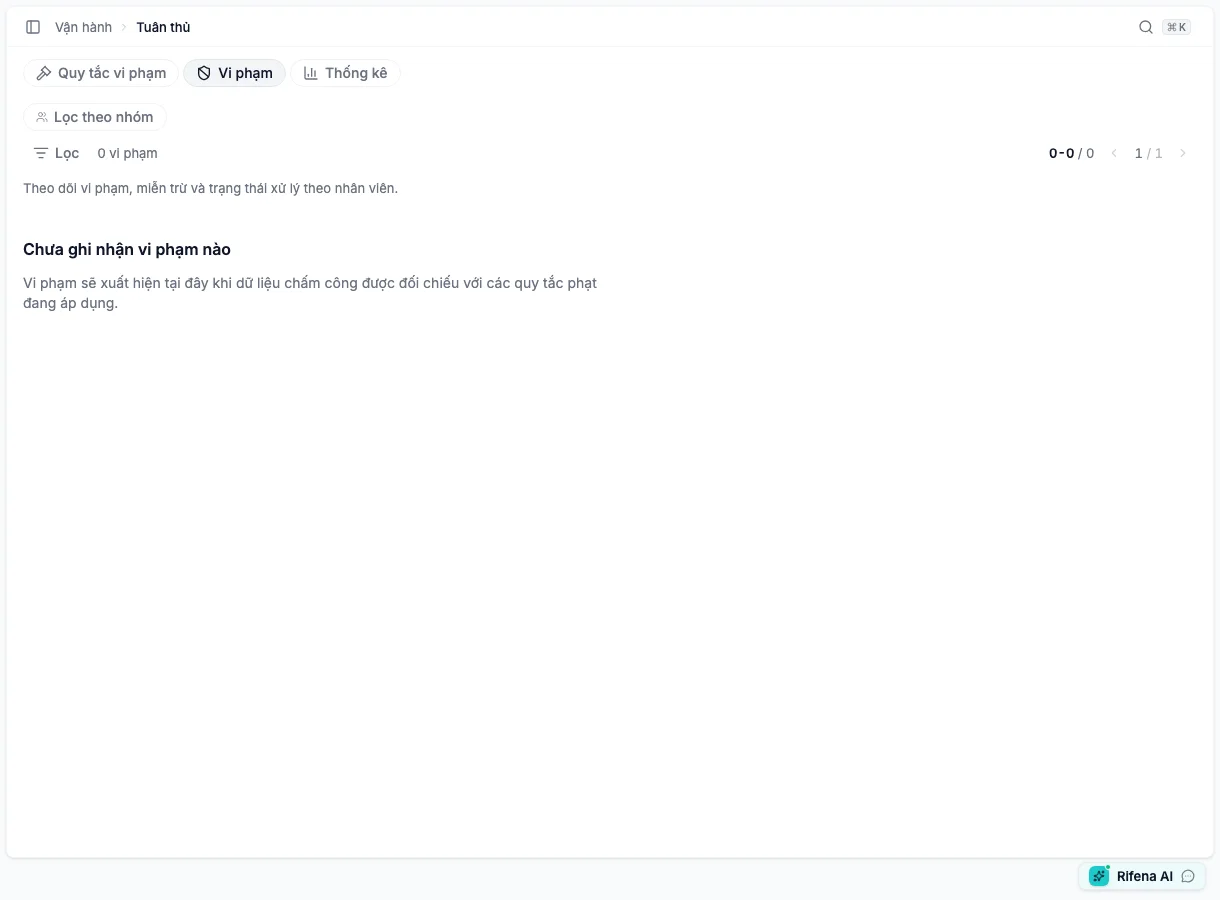
I can see Open time policies but a card redirects to 403
- Which cards open and which do not.
- Whether the account is self-service or administration-scoped.
- Whether the role has the specific work-pattern, holiday, shift or leave permission.
The overview accepts any relevant permission while each card has a specific guard. Grant the minimum required permission only when the job needs it; employees use Employee portal for their own leave.
Expected result: the person opens only the administration cards required by their responsibility.
Still blocked? Provide card name, role, scope and session-refresh time.
A Open shift policies cannot be deactivated
- Whether it is default.
- Future assignments using it.
- Whether the dialog requires replacement or removal/reassignment.
Select a valid replacement for all affected schedules, or remove future assignments and plan reassignment. Review people/dates before confirmation.
Expected result: the policy is inactive, future schedules are valid and history remains.
Still blocked? Record the affected assignment count and replacement choice.
Open leave policies balance does not match a request
- Year and leave type.
- Pending, approved, rejected or cancelled state.
- Calendar-day versus working-day counting.
- Adjustment history and expiry.
Correct/cancel the source request first when it is wrong. Use Adjust balance only for a remaining true discrepancy, selecting Add/Deduct/Correction with a reason.
Expected result: allocation, adjustment, used, pending and available reconcile to history.
Still blocked? Provide year, type, request state and relevant history; do not send health evidence without a secure channel.
I only see Violations, not Rules or Statistics
- Whether the role is group manager, employee or HR.
- Effective rule/statistics versus violation-view permissions.
- Whether the page redirected to Violations.
If the job is scoped case handling, this is correct. Add rule/statistics permission only for a genuine responsibility.
Expected result: each person sees only permitted tabs and scoped data.
Still blocked? Provide a redacted tab-bar screenshot, role and scope.
A violation has an amount but payroll did not change
- The UI labels the amount as reference.
- A separate approved income-adjustment process exists.
Do not connect the reference amount to automatic deduction. Use a separate employee-relations/payroll process with lawful basis and approval.
Expected result: Open compliance remains a case ledger; payroll changes only through a valid separate process.
Still blocked? Escalate to policy HR and payroll before creating an adjustment.
See Time policies and Compliance.
Hand off for further support
Give the policy or compliance owner the screen name, role, scope, relevant date, state, and exact visible message. Do not change another rule while the case is being reconciled.