Working time is payroll’s input and the most frequent source of disputes. Rifena gathers attendance, shifts, time policies and compliance into one area so operators see the whole picture of a month.
Operations is for people who manage time data, work schedules and compliance within their assigned scope. Employees view and submit their own information in Personal → Employee portal.
Current screen tree
Monitor today's events, schedule work, review timesheets and manage clocking configuration.
- TodayReview clock-in/out events; use Record or Input when permitted.Usually visible to: HR and operations staff.
- Schedule & ShiftsSwitch between Shift assignment and Flexible work.Usually visible to: HR and managers with group scope.
- TimesheetUse Viewing to switch between Timesheet, Overtime and Summary.Usually visible to: HR, managers and payroll hand-off staff.
- ConfigurationClock policies, Policy assignments, Geofences and Holiday work.Usually visible to: timekeeping administrators.
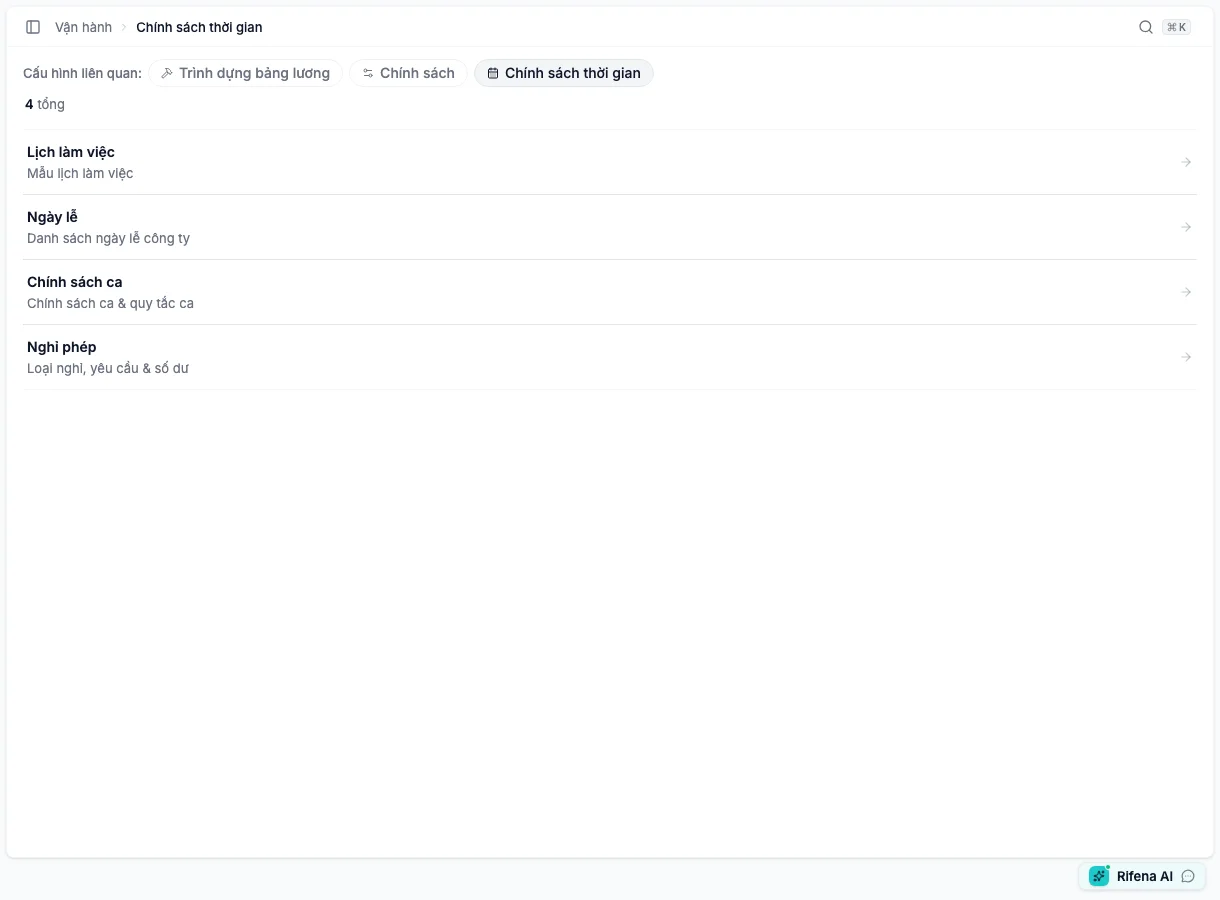
Define work patterns, holidays, shifts and leave before operating timekeeping.
- Work patternsWorking/rest days, default pattern and active state.Requires: work-pattern view permission.
- HolidaysCopy the standard calendar or add dates manually; configure scope and time-off-in-lieu rules.Requires: company-holiday view permission.
- Shift policiesShift policies and Shift rules tabs.Requires: at least one corresponding view permission.
- LeaveLeave types, Leave requests and Leave balances tabs.Admin area: employees use self-service.
Track requests to swap a shift, find cover or claim an open shift.
- My requestsRequests created by or involving the signed-in person.Visible when: the user may view shift-change requests.
- Open coverShifts still looking for an eligible person.Action: depends on claim permission and state.
- Pending approvalThe manager decision queue.Employees: may see the view disabled without approval permission.
- AllSearch by type, state, person and date range.Scope: determined by current access.
Manage violation rules, individual violations and statistics.
- Violation rulesCreate, edit, activate or deactivate rules and thresholds.Usually visible to: authorised administrators and HR.
- ViolationsReview Pending, Waived or Included in payroll cases.Group managers: only their assigned scope.
- StatisticsTotals and breakdowns by state and violation type.Usually visible to: people with statistics permission.
When an item is missing
- Confirm the selected organisation.
- Confirm the account’s role and group scope.
- Do not use an employee self-service account to test an administration area.
- If the page redirects to another tab, the requested tab may be outside the current permission set; Rifena keeps the user on an accessible tab.

See Roles and data scope or choose a symptom under Support.